
According to Search Engine Roundtable, Google Ads is testing Sponsored Products results that “expand to show product attributes”, with attributes in a grey-background band at the bottom of the ad unit, added dynamically after the ad loads. It’s a test, observed by one user. But it points in a direction: your feed’s attributes (colour, size, material, brand) may become a visible part of the ad.
What's being tested
Search Engine Roundtable reported, on 22 October 2026, that Google Ads is testing Sponsored Products (product ads in Shopping) that expand to show product attributes. Attributes appear in a grey-background band at the bottom of the ad unit. According to the report, they’re added later, dynamically, which makes them easy to miss.
The test was identified by Sachin Patel, who published it on Search Engine Watch without mentioning the expansion. The report recalls that Google has tested coloured backgrounds in Shopping ads on other occasions.
What isn't known
It isn’t known which attributes appear, how they’re chosen, whether they come from the advertiser’s feed or other sources, whether the advertiser can influence what’s shown, how many searches or countries the test includes, nor whether it will be launched. The report brings no performance data.
It’s therefore a signal and not a confirmed change. The right attitude is to record it and prepare what serves anyway: a complete, correct feed.
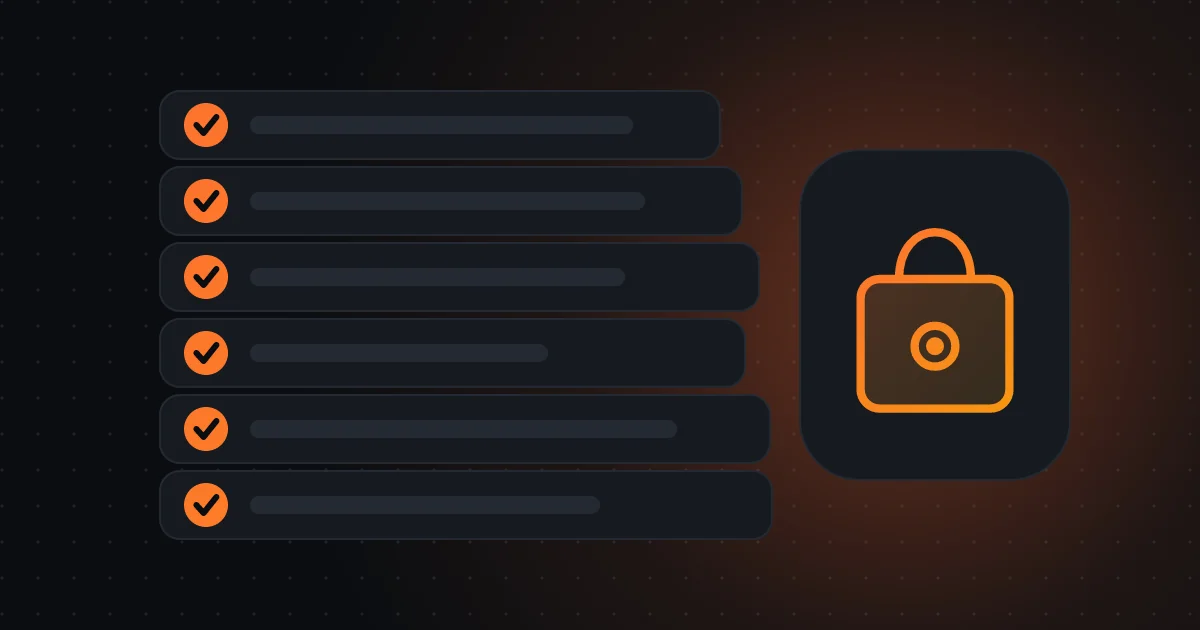
Feed attributes to review first
- Correct title, brand and GTIN
- Colour, size, material and pattern
- Price, availability and condition
- Realistic shipping costs and times
- Gender, age group and category
- EU compliance information, where applicable
The feed as the shop window
If product attributes become a visible part of the ad, the feed stops being just a technical file and becomes the shop window. Colour, size, material, brand, gender, age group, condition, identifiers: everything the feed contains can help the customer decide without leaving the results page.
A product with complete, clear attributes has a better chance of convincing. One with missing, wrong or inconsistent attributes may seem less reliable next to competitors. Data quality becomes part of ad quality.
Which attributes to review first
Identification: title, brand, GTIN (barcode, in Portugal usually EAN), reference. Visual description: colour, size, material, pattern. Commercial: price, availability, condition (new, used), shipping costs and times. Segmentation: gender, age group, category. For the EU, compliance information (manufacturer, responsible person) is also mentioned by secondary guides as a requirement for many products.
Start with the best-selling and highest-margin products, and go in batches. Completing a hundred products well is worth more than ten thousand badly filled in.

If the feed becomes the shop window, every wrong attribute is a wrong public claim.
How to check feed quality in Merchant Center
Open Merchant Center and see the diagnostics: products with warnings, disapproved products, missing attributes. Sort by revenue or clicks and start with the highest impact. Compare the feed with product pages: price, availability, image and title should match.
A ten-minute weekly check avoids accumulating errors. And, if the feed is generated automatically by the shop, confirm with whoever manages the platform that attributes are filled from correct fields.
Risks of badly filled attributes
If Google shows feed attributes in the ad, a wrong attribute (for example “100% cotton” on a product that isn’t) becomes a public claim, with possible consequences for reputation and compliance with advertising and consumer protection rules. In Portugal, misleading information about a product’s characteristics may have legal consequences.
So feed quality isn’t just a marketing matter: it’s a matter of truth in consumer information.
Black Friday: what to prioritise in the feed
Before 27 November, ensure correct prices and stock, promotions with clear dates, realistic delivery times and complete attributes on highest-volume products. Avoid changing the feed’s structure during the peak. Check disapprovals daily in Black Friday week.
If you have thousands of products, use automatic rules for common attributes and manual review for the most important. The priority is what sells, not what’s easiest to fix.
Questions for your manager or whoever runs the shop
What percentage of products have complete attributes? Which products have most errors? Who updates the feed and how often? Have we seen product ads with expanded attributes in our searches? And what plan do we have for Black Friday?
If you wish, I can review your shop’s feed and Merchant Center diagnostics with you, and propose priorities based on sales and margin.
Frequently asked questions
Do attributes already appear in my ads?
It’s a test observed by one user. There’s no confirmation of launch. Take screenshots of your searches to follow.
Can I control which attributes appear?
The report doesn’t say. It isn’t known whether they come from the feed or other sources.
Is it worth completing attributes now?
Yes: a complete, correct feed serves Shopping, Performance Max and any future format, even if this test doesn’t proceed.
Sources consulted
Keep reading
- Merchant Center before Black Friday 2026: feed checklist, GPSR and images
- Google's Universal Cart and Universal Commerce Protocol: what they are, where they exist and what to do in a Portuguese shop
- AI agents that shop for you: Walmart opens the door, Amazon blocks Meta's Muse, and what to prepare in a Portuguese shop