
Before Black Friday 2026 (27 November), a clean Merchant Center feed is worth more than any bidding tweak. Check: real prices and stock, manufacturer or responsible person information (GPSR, in force since 13 December 2024, according to secondary guides), unit pricing where applicable, quality images and migration from Content API to Merchant API. Technical requirements should be confirmed in Merchant Center Help.
Why the feed decides your Black Friday
Shopping, Performance Max with feed and, increasingly, AI shopping experiences depend on the product feed. The Smart Bidding Exploration reported on 22 October 2026 applies to Shopping campaigns with a Merchant Center feed. If the feed has errors, the best bidding strategies work on bad data.
On Black Friday, the cost of a price, stock or image error is higher, because volume is higher and the window is short. Treating the feed is the highest-return task per hour spent.
Prices and stock: the golden rule
Feed price and availability must match the landing page. Differences generate disapprovals and loss of trust. In Black Friday campaigns, update promotional prices with start and end dates, and confirm stock reflects reality, especially for high-demand products.
A classic mistake is advertising a sold-out product: it spends budget, frustrates the customer and harms reputation. Automate stock updates whenever possible.
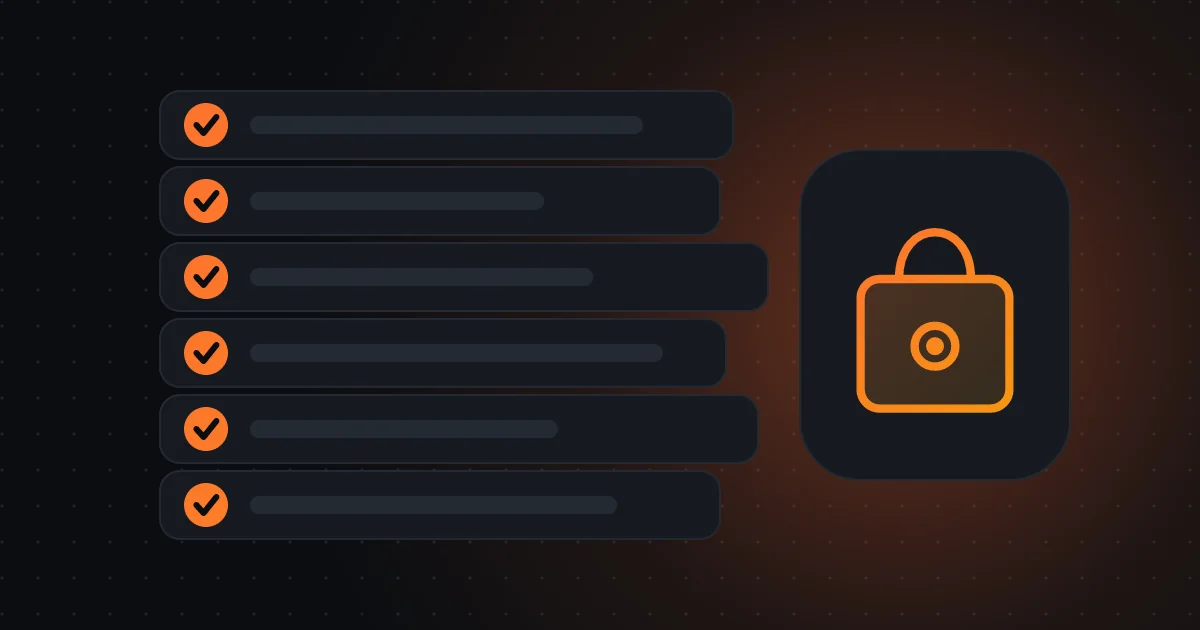
Merchant Center feed for Black Friday
- Prices and stock equal to the site
- GPSR attributes filled in
- Unit price where applicable
- Sharp images without text
- Merchant API integration tested
- Diagnostics viewed every day
GPSR: manufacturer information and product safety
According to secondary guides consulted, the General Product Safety Regulation (GPSR) requires, since 13 December 2024, information on the manufacturer or responsible person in the EU, and Merchant Center has attributes for it. We didn’t verify the legal text or Merchant Center Help for this article.
If you sell physical products in the EU, confirm with your legal adviser or ASAE what applies to your catalogue, and fill in the attributes Merchant Center asks for.
Unit pricing and other attributes
For certain products (food, drinks, detergents, products sold by weight or volume), unit price is mandatory in the EU in many cases, and Merchant Center has unit price attributes. Check your catalogue’s categories and the applicable rules.
Also fill in clear title (brand, type, key feature), GTIN when it exists, Google category, colour, size and condition. Complete attributes improve eligibility and matching with searches.

The best bidding strategies work badly on bad data.
Images: quality, text and dimensions
Use sharp images, with the product highlighted, clean background and no overlaid text or watermarks. A secondary guide mentions a 2026 notice about minimum image dimensions, with enforcement dates in 2027 and values that diverge between sources, so confirm minimums in Merchant Center Help.
Remember that Performance Max image extraction, coming on by default in new campaigns on 4 December, uses images from your pages. Good images on the site and in the feed help everywhere.
Content API and Merchant API
A secondary guide says the Content API for Shopping is being replaced by the Merchant API in 2026. If your feed is updated by a tool or developer, confirm the integration already uses the new API or has a plan to migrate.
An integration that fails in the middle of promotions can leave prices outdated for days. Ask whoever maintains the connection for written confirmation and a test before November.
Diagnostics and alerts: what to see daily
In Black Friday week, view the Merchant Center diagnostics tab daily: disapproved products, warnings, items with mismatched price or availability. Set up email alerts for whoever can act the same day.
Also have a list of “anchor” products (the top 20 sellers) and confirm every morning that they are active, with stock, correct price and image. It’s a five-minute routine that avoids big losses.
Questions for your manager
Who is responsible for the feed? How is it updated and how often? Do we have GPSR and unit price attributes filled in? Who sees diagnostics during Black Friday? And do we have a plan B if the integration fails?
If you want a feed audit before November, with a list of corrections by priority, I can do it with you.
A three-week calendar to Black Friday
Week 1 (until 6 November): feed audit, correcting missing attributes, integration test. Week 2: upload promotional prices with dates, review images and titles for the top 20 products. Week 3 (until 20 November): freeze big changes, prepare a daily diagnostics routine and plan B. Black Friday week: monitor, don’t experiment.
At the end, record what you learned. Next year’s feed starts from that record.
Common feed mistakes
Different prices between feed and site; generic titles (“Trainers”) without brand or model; missing or wrong GTIN; outdated stock; wrongly assigned categories; and images with text or watermarks. Each of these errors can reduce eligibility or waste budget.
A good practice is to save a version of the feed before big changes, so you can go back if something goes wrong.
Frequently asked questions
Does GPSR apply to me?
If you sell physical products in the EU, probably yes. Confirm with a legal adviser or ASAE. The guides consulted are secondary.
What are the minimum image dimensions?
Sources diverge. Confirm in Merchant Center Help.
When is Black Friday 2026?
27 November 2026, according to the source consulted.
Sources consulted
Keep reading
- Google tests product ads that expand to show attributes: why your feed becomes the shop window
- Google's Universal Cart and Universal Commerce Protocol: what they are, where they exist and what to do in a Portuguese shop
- AI agents that shop for you: Walmart opens the door, Amazon blocks Meta's Muse, and what to prepare in a Portuguese shop