
According to PPC Land, Google emailed Google Ads account holders on 1 June 2026: the new terms take effect on 1 July, with no action required. They say the advertiser’s “inputs”, including information or URLs entered in conversational experiences and URLs or accounts to which Google has crawl access, may be used across various Google Ads features to improve campaign performance. Advertisers must have rights to inputs and keep reviewing, approving or removing automatically generated campaigns and assets. The article describes no options to limit use and doesn’t clarify model training.
What changed in the terms
PPC Land reported that Google emailed Google Ads account holders on 1 June 2026. The new terms take effect on 1 July, and current ones expire on 30 June. No action is required: the terms apply automatically.
The article quotes parts of the notice, but doesn’t reproduce the full terms. For the exact text, consult the terms document in your account.
What they say about inputs
According to PPC Land, Google states in the terms that “inputs” may be used across various Google Ads features to improve campaign performance. The scope explicitly includes information or URLs the advertiser enters into conversational experiences and similar features. A separate clause covers URLs or accounts to which the advertiser gives access and authorises Google to crawl.
The article links these clauses to products such as conversational campaign creation (Gemini), AI advisers, DSA, Performance Max, AI Max, automatically created assets and final URL expansion. That link is the author’s, not the notice’s.
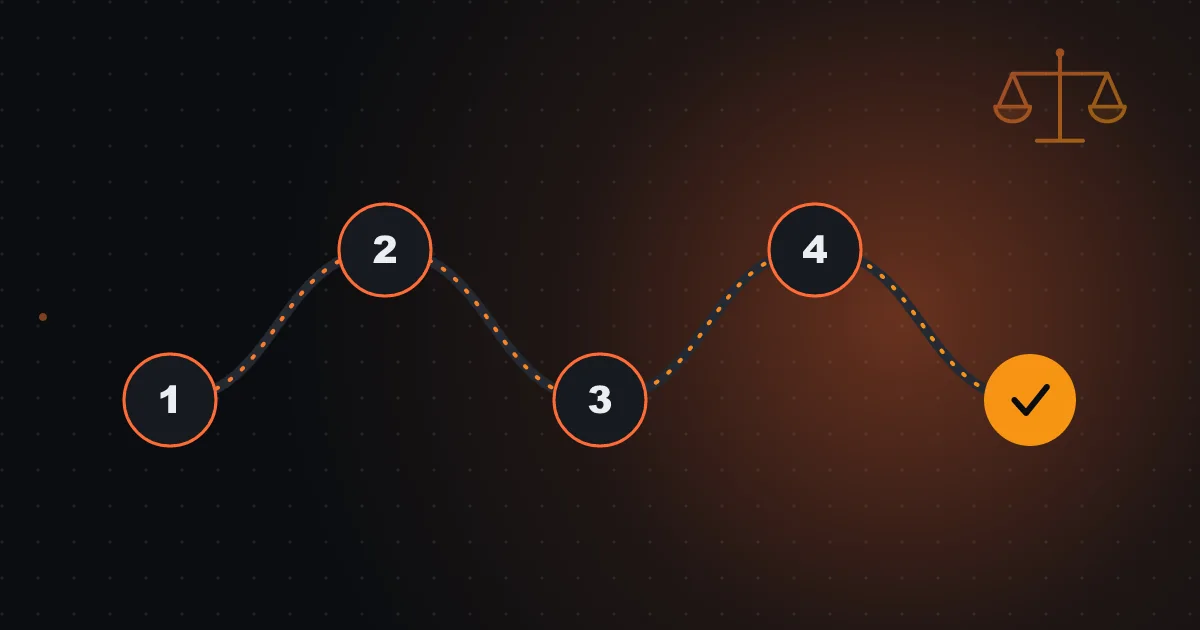
Google Ads terms: five-step review
- List AI features switched on
- Review and remove generated assets that don’t comply
- Define who approves new assets
- Confirm usage rights for images, texts and brands
- Record date and decision
The duty to review generated assets
The terms require, according to the source, that the advertiser have rights to its inputs and keep reviewing, approving or removing automatically generated campaigns and assets. It’s a contractual duty that parallels Meta’s change, where the advertiser also answers for AI edits.
This reinforces that switching on automation without review is not safe behaviour. Responsibility for the published result is the advertiser’s.
What the source doesn't clarify
The article describes no option to limit use of inputs, doesn’t say whether they are used to train models, how long they are retained, nor whether they are shared outside Google Ads features. It also mentions changes to the arbitration clause, language on regulatory fees and a reference to Brazil, without naming affected markets.
These gaps are normal in press summaries. If they are relevant to your business, ask for legal analysis of the original text.

Treat any AI text box as a semi-public space, unless the contract says otherwise.
Which data it's prudent not to enter
Don’t enter in conversational or crawl tools customers’ personal data, confidential contract information, non-public prices, strategic plans or trade secrets. Give crawl access only to relevant public URLs. If your site has private areas, ensure they aren’t accessible.
Treat any AI text box as a semi-public space, unless the contract says otherwise.
A five-step review plan
First, list the AI features switched on in the account (conversational creation, automatic assets, final URL expansion). Second, review generated assets and remove what doesn’t comply. Third, define who approves new assets. Fourth, check that your images, texts and brands have usage rights. Fifth, record the date and decision.
A sheet with these lines and a monthly review meet the spirit of the contractual duty.
Relation to GDPR and customer data
If you share customer lists or other personal data with Google (Customer Match, conversions), the applicable data processing terms and GDPR remain the reference. Conversational inputs may contain personal data without the advertiser thinking about it, for example if a customer email is pasted into a text box.
Simple team training avoids most problems: “don’t paste customer data into AI tools”.
Questions for your manager
Which Google AI features are on in our account? Who reviewed generated assets and when? What data do we enter into conversational tools? Do we have rights over assets? Who accepts the terms on behalf of the company?
If you want to review Google Ads AI features and generated assets with me, with a decision log, I can help set up the review.
Summary in three lines
The terms in force since 1 July say inputs may be used across various features and that the advertiser must review generated assets. Don’t enter sensitive data into AI boxes, review assets every month and ask for legal analysis of the original text when relevant.
An illustrative internal policy example
A small company defines four rules: never paste customer data into AI tools; only give crawl access to public URLs; review generated assets on the first Monday of each month; and keep a sheet with date, removed assets and reason. The example is hypothetical. Four simple rules suffice to meet the spirit of the terms and make review a routine.
Frequently asked questions
Do I have to accept something?
According to PPC Land, no action is required: the terms apply automatically since 1 July 2026.
Does Google train models with my data?
The article doesn’t clarify. Ask for legal analysis of the original text.
Can I switch off use of inputs?
The article doesn’t describe that option. Confirm in the terms and your account.
Sources consulted
Keep reading
- AI Act, article 50, and ads with AI-generated images, video and text: what already applies and what to prepare in Portugal
- Demand Gen and sensitive categories: Google's 21 categories, what changes in audiences and what to do if you're a clinic, bank or gambling operator
- Testimonials, UGC and creators in ads in Portugal: what you can and cannot do, and how to document