
According to Search Engine Land and Google’s blog, Google began migrating eligible Search campaigns to AI Max on 1 September 2026: those using campaign-level broad match or Automatically Created Assets (ACA). In migration, search term matching and text customisation are on by default. Dynamic Search Ads were postponed to February 2027. Check now whether your campaigns were migrated and what changed.
What Google announced
Search Engine Land reported Google would automatically migrate certain Search campaigns to AI Max from 1 September 2026. Eligible campaigns are those using campaign-level broad match or Automatically Created Assets. According to one source, conversion ran campaign by campaign through September, and Google’s blog describes a phase 1 of voluntary upgrade, with warning banners in the interface.
Google’s blog, updated on 11 June 2026, indicates the migration of Dynamic Search Ads (DSA) was postponed to February 2027, after advertiser criticism. It also indicates it will no longer be possible to create new DSA campaigns.
What was switched on by default
According to Google’s blog, in campaigns migrated from Automatically Created Assets, search term matching and text customisation are on by default. In those migrated from campaign-level broad match, search term matching is on by default. In DSA, when they migrate, all three features are on: search term matching, text customisation and final URL expansion.
This is relevant because each feature has a different effect: one widens the searches the ad appears on, another alters the text and the third may change the landing page.
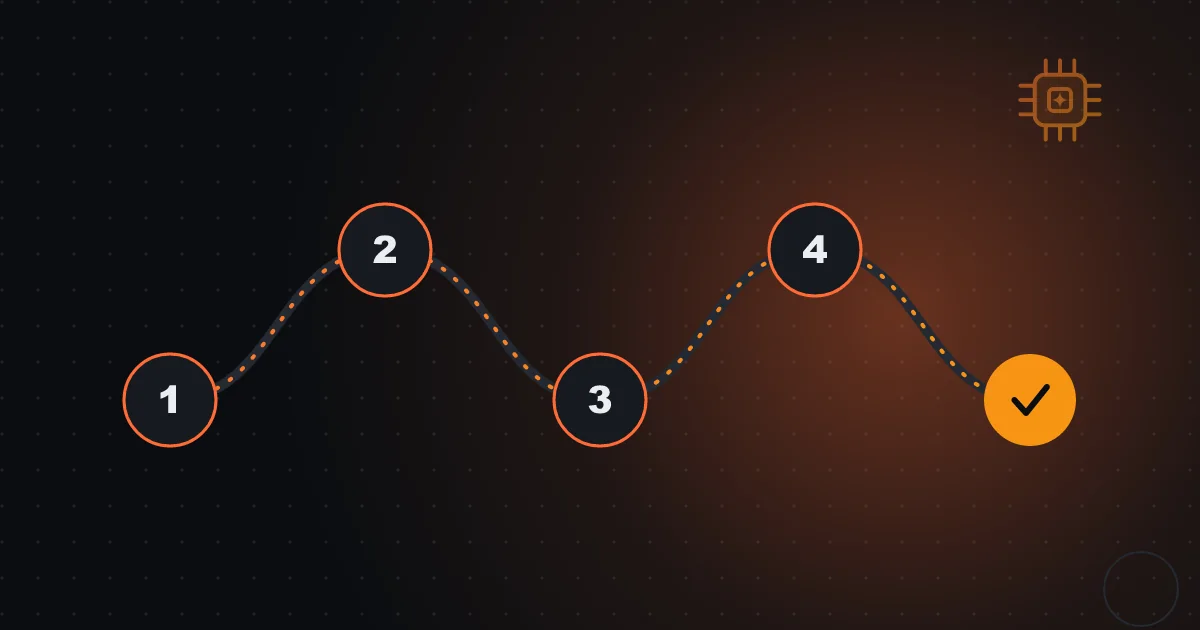
AI Max migration timeline
- 1 Sep 2026: ACA and broad match campaigns
- Through September: campaign-by-campaign migration
- 11 Jun 2026: DSA postponed to February 2027
- 15 Jan 2027: advance notice for DSA
- 1 to 28 Feb 2027: automatic DSA migration
Controls that remain available
AI Max includes advanced controls: brand, location and text guidelines. Google’s blog recommends enabling all features and testing the impact with one-click experiments, but note this is Google’s own recommendation. Accounts receive notifications before automatic migration and legacy URL controls remain in DSA.
A prudent advertiser uses the controls to set limits: excluding brands it doesn’t want to be associated with, restricting locations, writing text guidelines (tone, words to avoid). It’s how you keep automation within a frame the company approved.
What Google says about results
Google’s blog cites internal 2026 data, from non-retail advertisers: AI Max campaigns with the full set of features have, on average, 7% more conversions or conversion value, with similar CPA or ROAS, compared with search term matching alone. It’s Google’s own figure, with no public methodology, and an average.
A +7% average may hide accounts with +30% and accounts with losses. It doesn’t replace a test in your account, and the claim doesn’t automatically apply to online shops or businesses with little data.

Automation switched on by default calls for vigilance switched on by default.
First step: find out whether you were migrated
Open each Search campaign and see whether the AI Max option is active and which features. View the account’s change history to see when and what changed. Compare performance in the three weeks before and after migration: impressions, clicks, cost per click, cost per result, search terms.
If your manager has already done it, ask for the report. If not, it’s a task for this week. Changes may be small or big, and only comparison shows which.
Second step: the search terms report
With search term matching on, the ad may appear on searches broader than the keywords. Read the search terms report for the last 30 days and look for: irrelevant terms, informational searches, competitors, searches outside your area. Add negatives and adjust brand and location controls.
It’s a routine that was already important and gains weight with automation: the ad appears more often, but also in places nobody designed. Weekly vigilance over terms remains one of the highest-return tasks.
Third step: text and landing page
If text customisation is on, look at the generated ads: do they tell the truth? Do they respect the tone? Do they promise deadlines or prices that don’t match? And if final URL expansion is on (in DSA), see which pages traffic reaches and whether all have the right information.
Use text guidelines to set rules and, where necessary, turn off. In Portugal, mind European Portuguese and advertising rules: a generated text promising more than the company delivers is the company’s problem.
Questions for your ad manager
Which of my campaigns were migrated, and when? Which features stayed on? What changed in cost per result? What negatives did we add? What text guidelines did we set? How do we test with and without AI Max?
If the manager can’t answer, they didn’t follow the migration. An attentive professional shows a before-and-after comparison, with dates, and proposes a plan. If you want help assessing your campaigns, I can analyse them with you.
Frequently asked questions
Was my Google Ads migrated without my knowing?
If you had campaign-level broad match or ACA, it may have been. Check the change history.
Can I go back?
According to sources, AI Max settings can be adjusted after conversion. Confirm in Google Ads Help for your case.
Have Dynamic Search Ads already been migrated?
No: automatic migration was postponed to February 2027, according to Google’s blog.